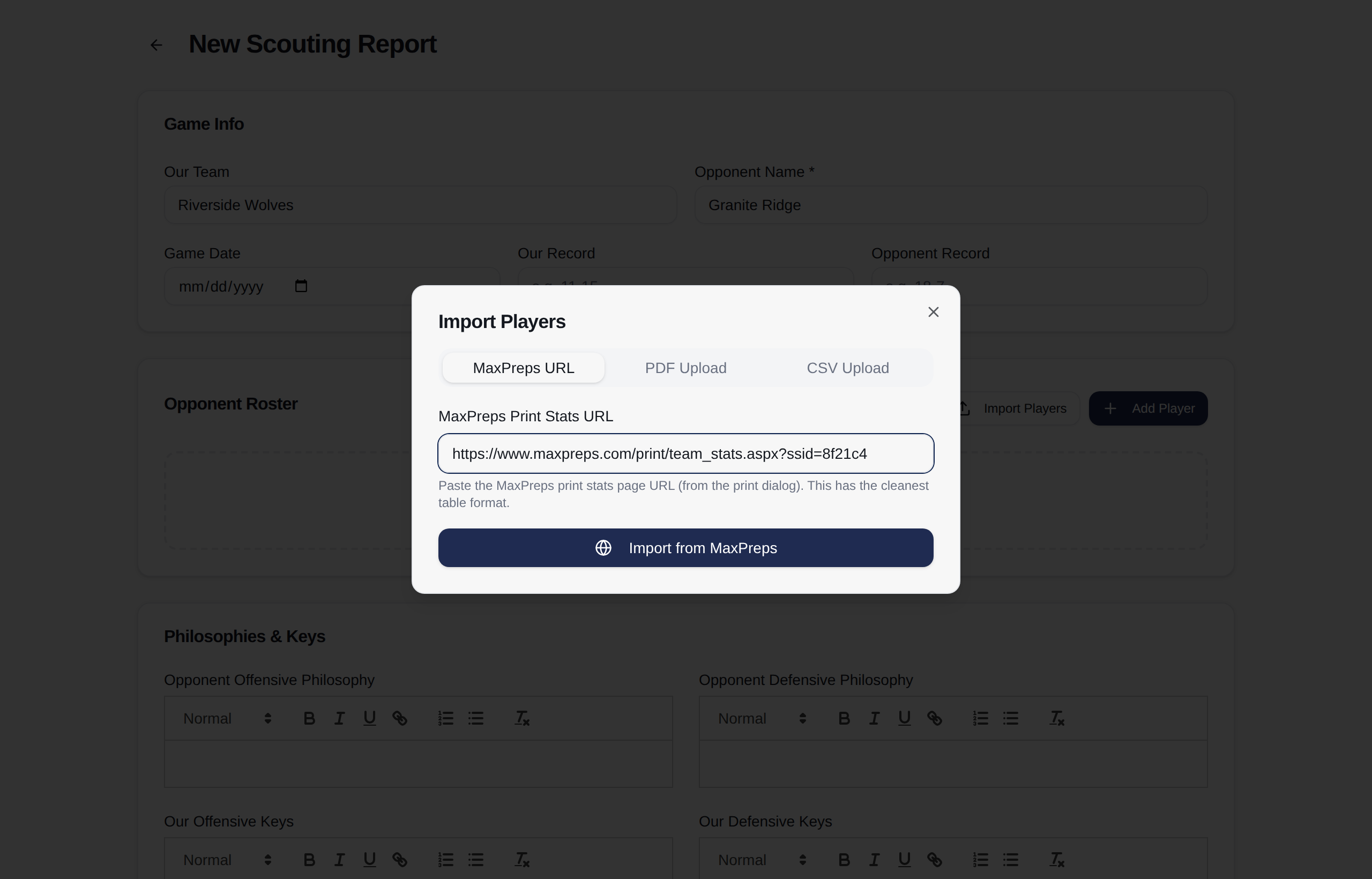
Paste a link, get a roster
Their MaxPreps print stats page, or the PDF, or a CSV if that is what you have. Numbers, positions, points, rebounds, percentages, all of it filled in before you have written a word. Then you go to work on the part that matters.
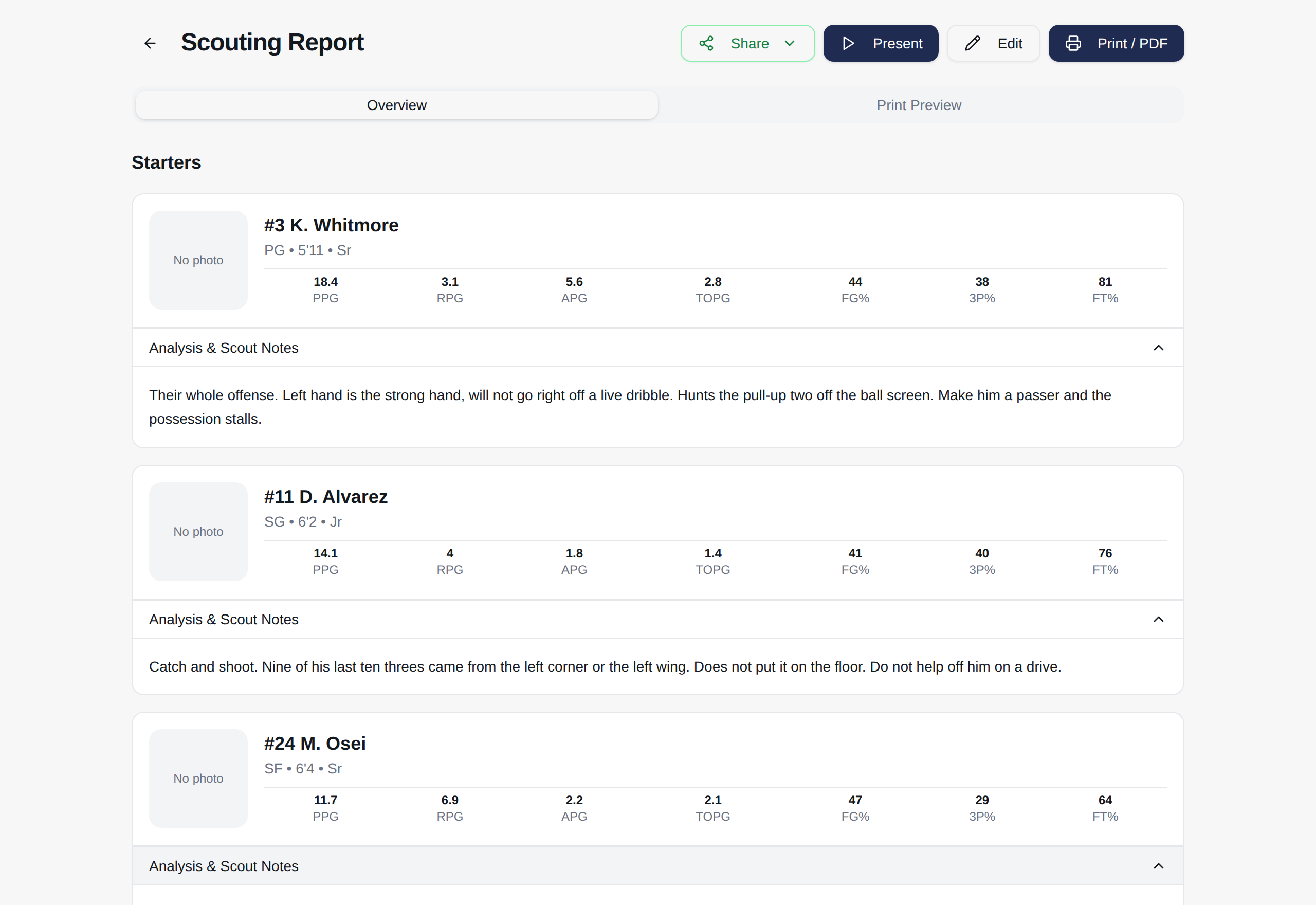
Every opponent in the same shape
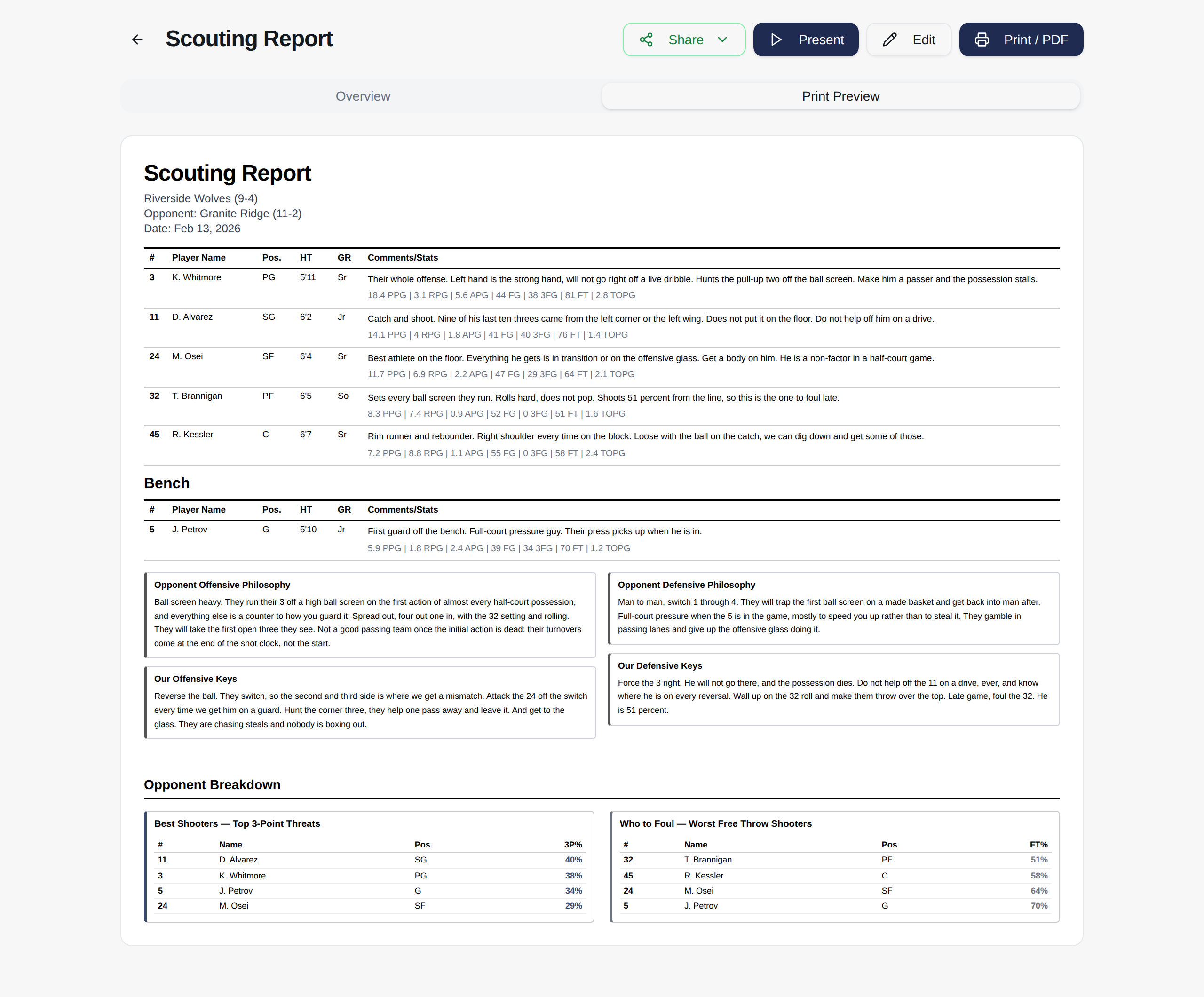
Tendencies. Who to foul. What they run out of a timeout. Keys to the game. Always in the same places, every week, so your assistants stop hunting for the part they need. By the third report nobody is asking where anything is.
Present it, print it, or send it
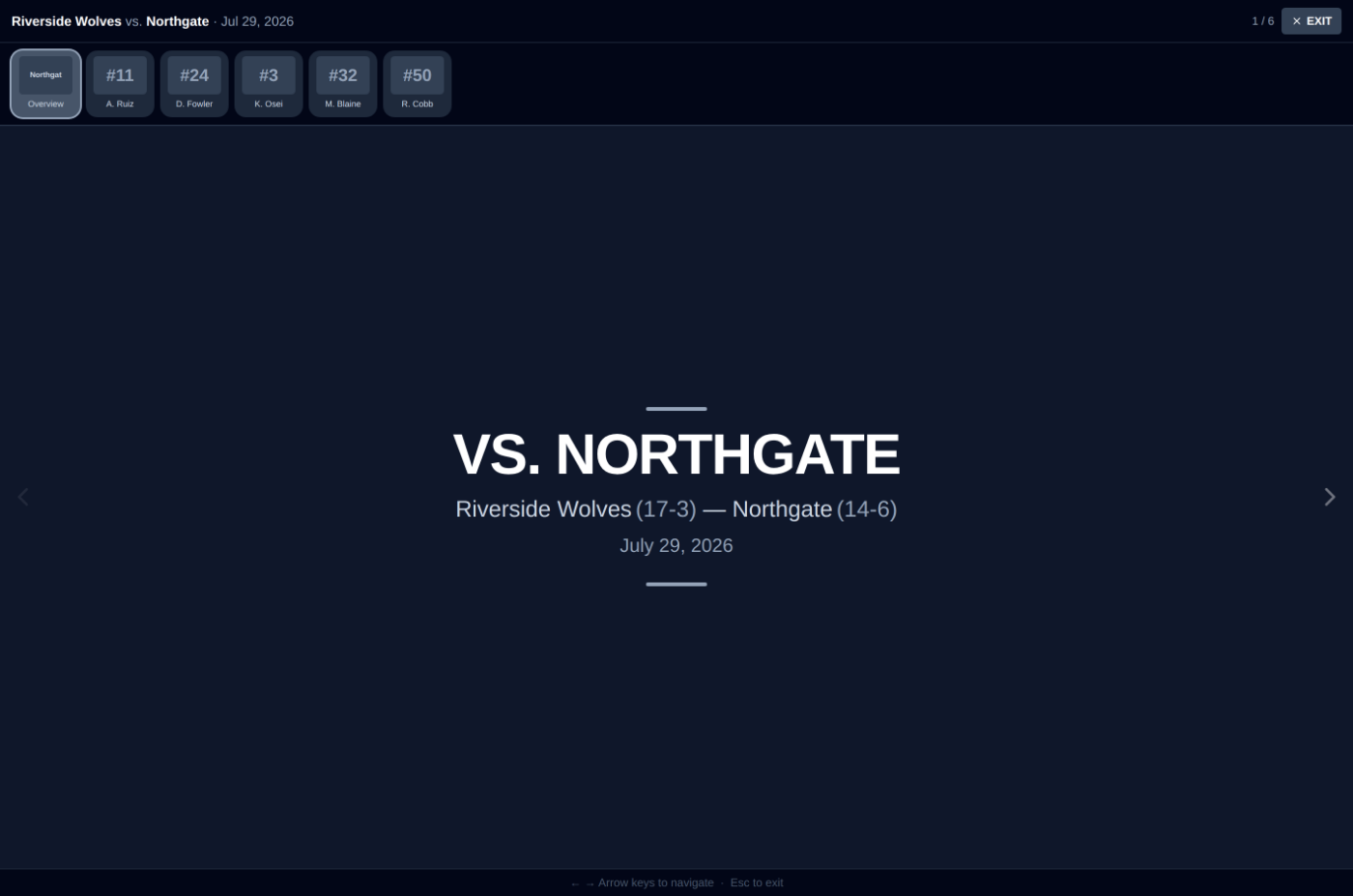
Full screen on the locker room TV, player by player, the night before. One sheet in every assistant's hand at shootaround. Or released to your team when you decide they are ready for it. A scout is coaches only until you say otherwise, and the page tells you that every time you open it.
It sits next to your film
Hudl is your film. This is not trying to be. Paste a Hudl or YouTube link into a report and the clip is one click from the note about it. Use both. That is what they are for.
Fourteen days free, no card
Import the playbook you already have, draw one new set, and build next week's practice plan out of drills you already run.
Start your free trial