Watch the spacing before you install it
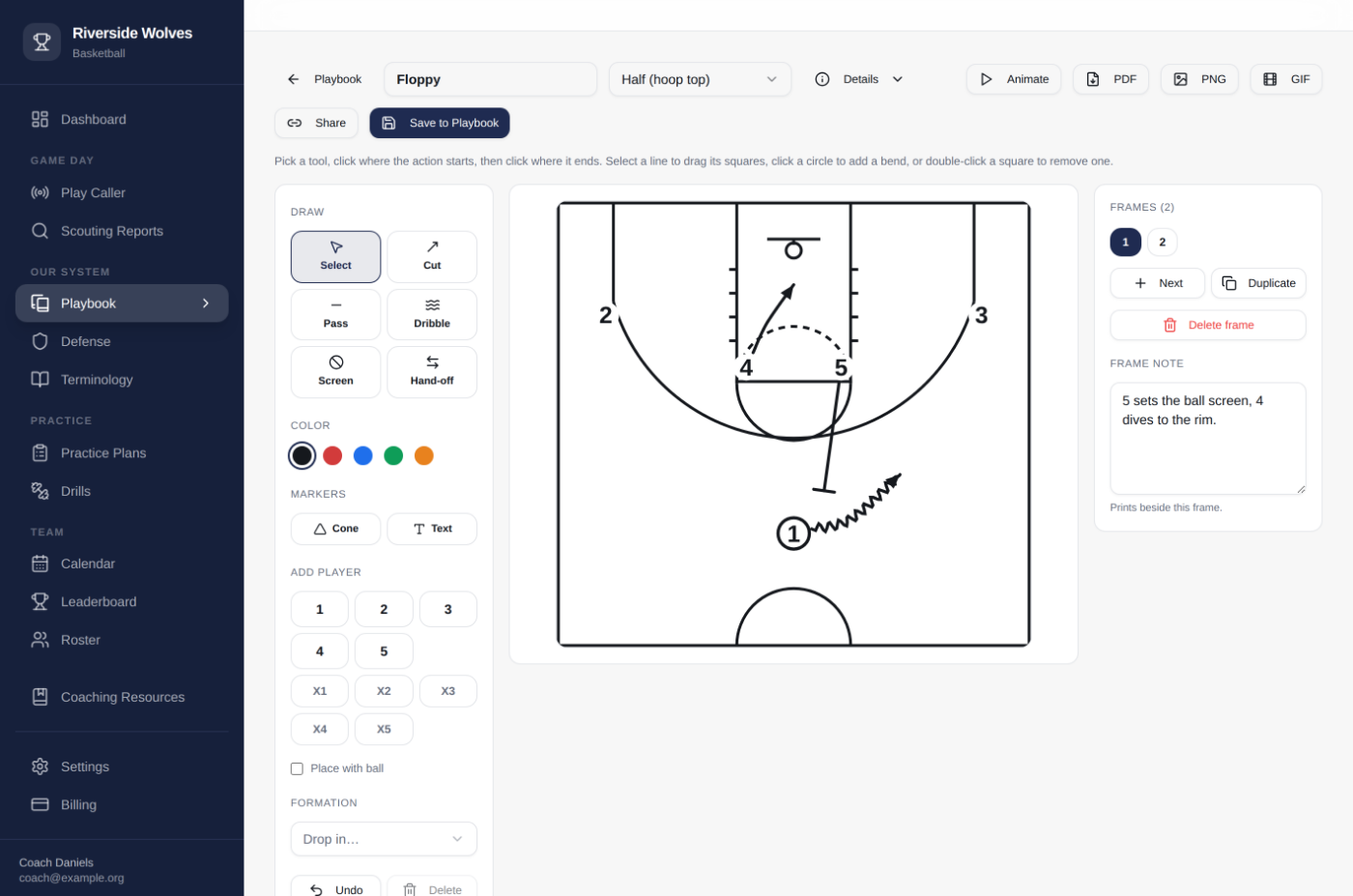
A diagram is a guess about spacing until something moves. Hit Animate and the set runs. You find out your 4 and your 5 end up on the same block on a Sunday night at your kitchen table, not on Tuesday with twelve kids standing around waiting for you to figure it out.
It leaves the app the way you need it
PDF, six frames a page, for the binder. A GIF for the group chat when a kid texts at nine o'clock asking what Floppy is. Or one play by link, animation and all, that opens for a coach who has no account. Send your offense to the middle school coach installing it. Send a set to the friend whose opinion you actually trust.
Bring what you already drew
Attach the image or the PDF of a set you drew four years ago and it sits in the playbook next to the ones you draw here. Draw the new ones as you install them. You are not starting over, and nothing here asks you to.
Fourteen days free, no card
Import the playbook you already have, draw one new set, and build next week's practice plan out of drills you already run.
Start your free trial